Set up in four steps#
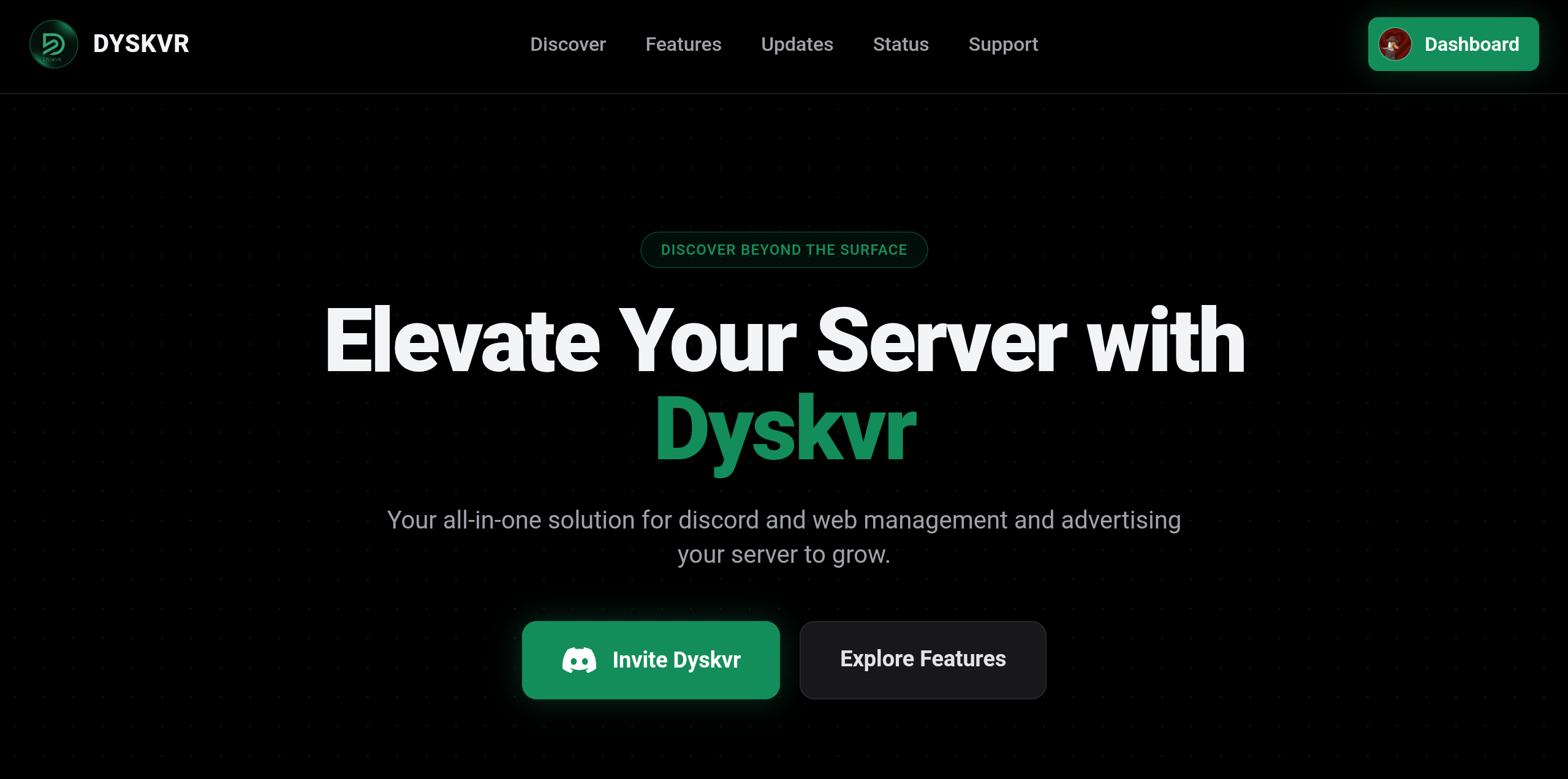
- Invite the botUse the Invite button on the home page and choose your server. You need the Manage Server permission to add a bot.
- Sign in with DiscordClick Sign In in the navigation bar and approve access. We only ask for your profile and the list of servers you are in.
- Open your dashboardAfter signing in you land on the dashboard. Every server you own, or administrate, is listed under Servers.
- Manage your serverServers that already have the bot show Manage Dashboard. Others show an invite button. Opening a server adds its own tabs to the sidebar.
Tip
Added the bot but still see Invite? Wait a few seconds. The page refreshes by itself once the bot joins.